Customization
This feature is only available in Crawlab Pro.
Crawlab Pro offers extensive customization options that allow you to tailor the platform's appearance to match your organization's branding requirements. These customization features help create a consistent user experience across your internal tools and make the platform feel like an integrated part of your technology ecosystem. You can modify elements such as the platform name, logo, and other visual components to align with your company's identity, making Crawlab Pro feel like a native part of your organization's toolkit rather than a third-party solution.
Branding Customization
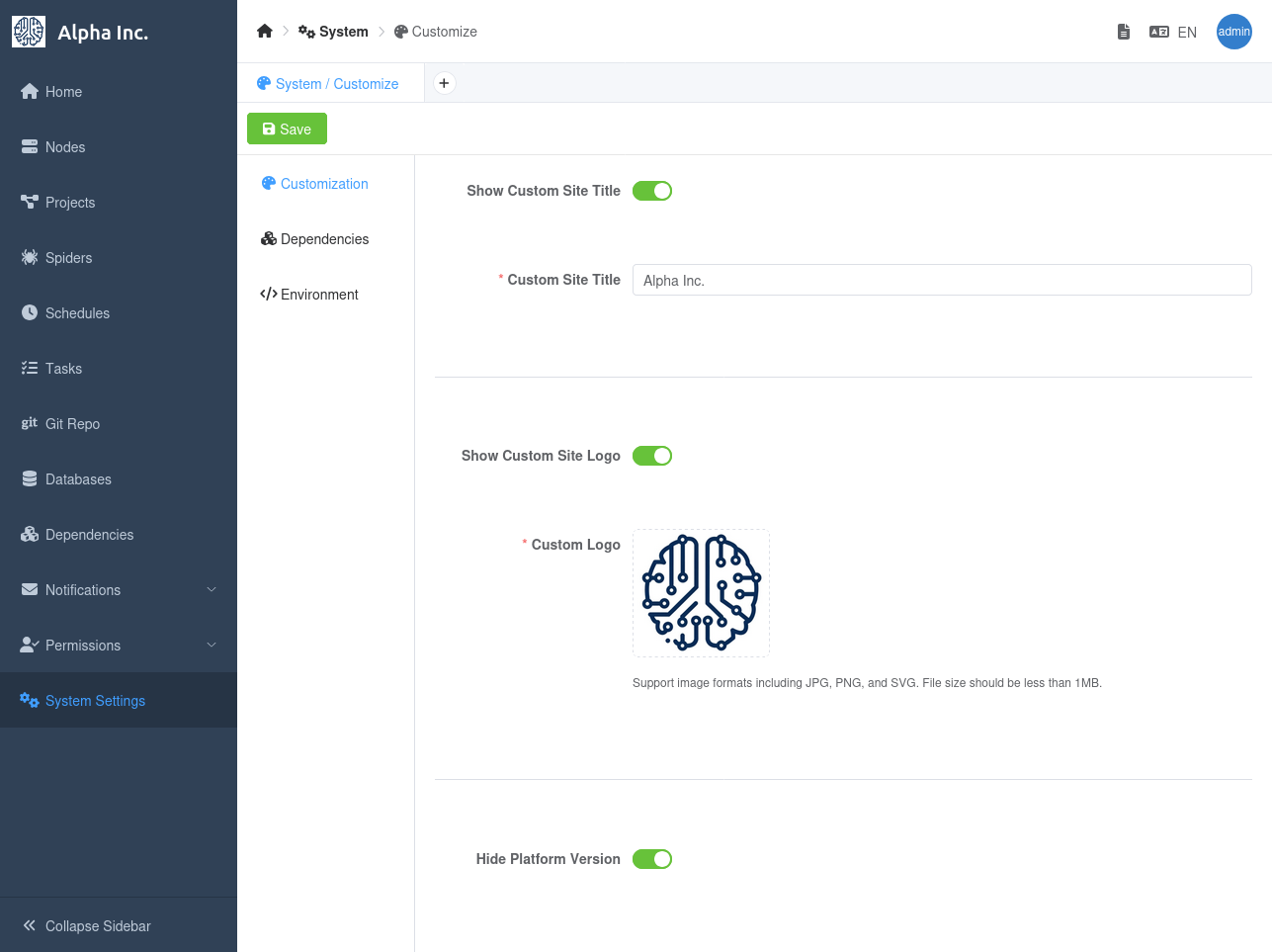
You can customize the platform name, logo, and other visual components in the Customization tab in the System Settings page.
- Navigate to the
System Settingspage. - Click the
Customizationtab. - Modify the platform name, logo, etc.
- Click the
Savebutton.
Example UI Effect
Let's say we want to customize the platform name to Alpha Inc. and the logo to a custom image.
The UI effect will be as follows: