Task Logs
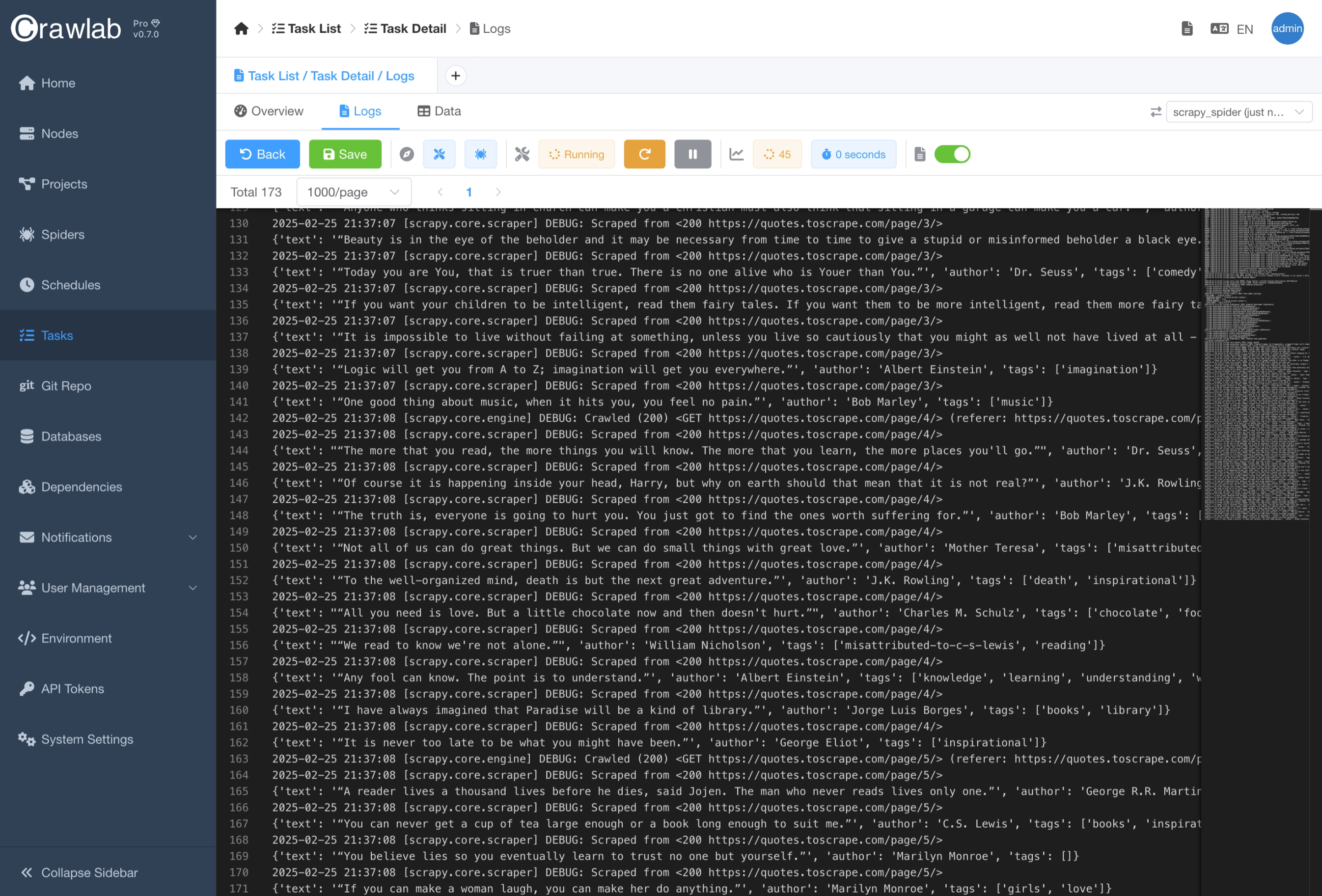
You can monitor and troubleshoot your crawling tasks through execution logs. Logs show detailed runtime information including status updates, errors, and crawling progress.
View Logs
- Navigate to the
Taskdetail page - Click the
Logstab - View the logs in the log panel
Log Format
As Crawlab captures the standard output and standard error of the spider script, the format of the task logs is totally controlled by the spider script.
For example, if you spider script (Python) is as follows:
print("Hello, world!")
The logs in the log panel will be:
Hello, world!